A few weeks ago I wrote that I haven’t opened a browser for work in weeks. Agents handle the browsing: headless parity checks, autonomous code loops, API calls to DNS providers.
The obvious follow-up: if not the browser, then what?
The terminal. More than ever.
The Real Renaissance
Everyone’s focused on the wrong thing. Yes, Claude Code and Gemini CLI and Warp are having a moment. But AI isn’t the cause of the terminal renaissance. It’s a symptom.
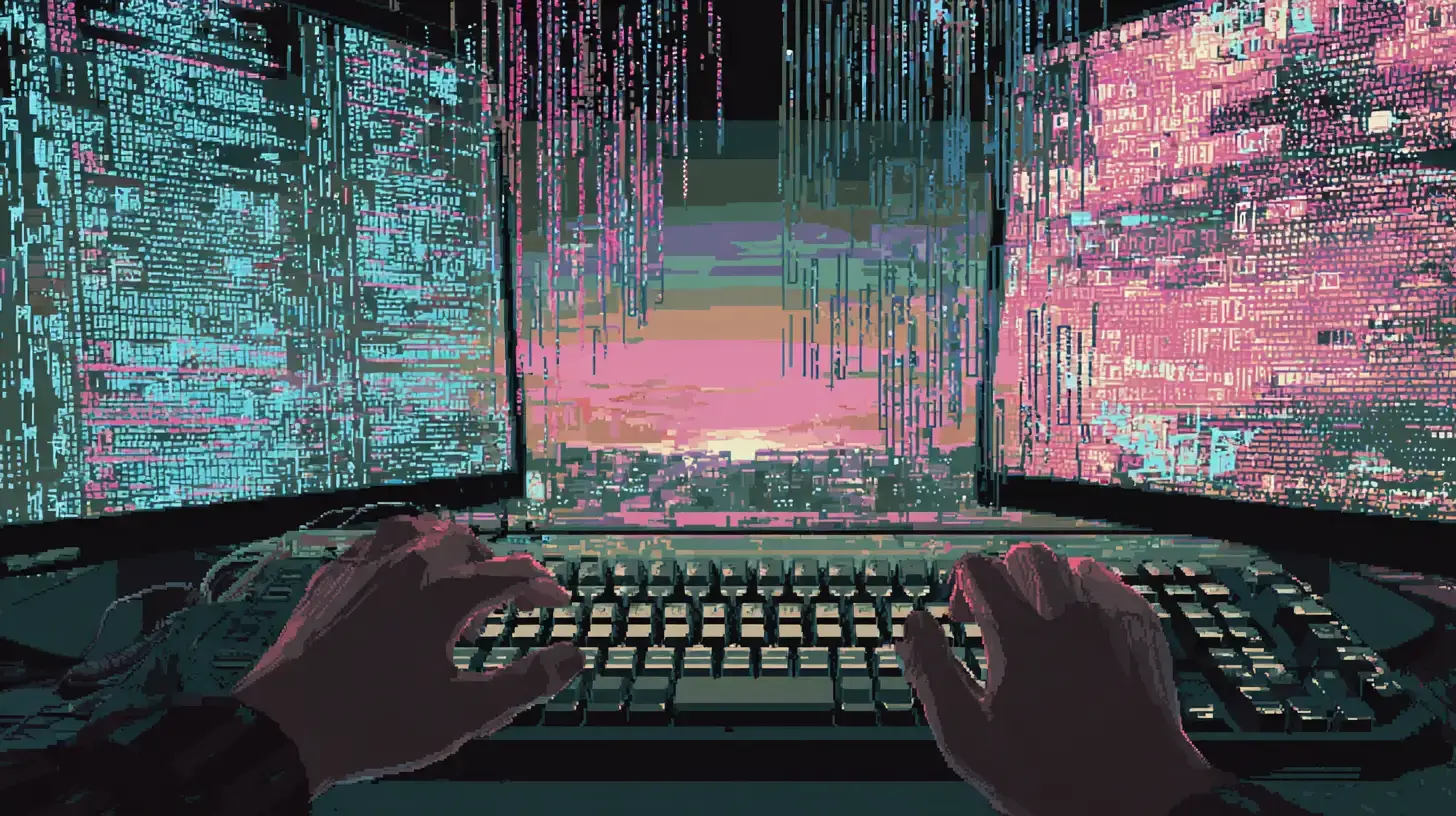
The real shift: the terminal is the only interface where you can move at the speed of thought.
One context. Keyboard-first. No mouse hunting through menus. No context-switching between apps. No waiting for Electron to wake up. You think it, you type it, it happens. Minority Report, but text.
AI agents amplify this because they’re text machines. But the ergonomic advantage existed before them.
When friction exists in my workflow, I don’t work around it. I build a CLI to remove it.
My Terminal Stack
This isn’t theoretical. Here’s what “speed of thought” looks like in practice:
| Category | Tool | What it does |
|---|---|---|
| Cross-machine sync | Tether | Dotfiles, Claude Code settings, packages sync encrypted. Background daemon. |
| Multi-repo orchestration | Custom Bun CLI | One command branches 12+ repos. Another switches envs. Another generates reports from git. |
| AI agent extensions | Claude Code plugins | /headless:parity for migration testing, /dns:godaddy for DNS, /gemini-tools:visual for UI feedback. |
| Modern replacements | bat, fd, fzf, jq, gh | Better cat, find, fuzzy search, JSON, GitHub. No browser needed. |
| Issue tracking | bd (beads) | Yegge’s tracker. Dependencies as first-class. Git-synced. No Jira. |
| Database | sqlcmd in Docker | Funnel analytics, seed data, migrations. No SSMS or Azure Data Studio. |
| Auto-rebuild | poltergeist | Watches projects, rebuilds on change, runs in background. |
The pattern: if I’m doing something repeatedly and it involves leaving the terminal, I automate it or replace it.
Why This Works
Composability. CLI tools pipe into each other. gh pr list | jq '.[] | .title' | fzf. GUI apps are isolated islands. You can’t pipe Figma into Notion. The terminal is a LEGO system.
Scriptability. Everything I do can become a script. Every script can become a command. Every command stays in muscle memory. GUIs fight automation. Terminals embrace it.
Single context. No app-switching tax. No “which window was that in?” No notification badges pulling attention. One pane. One focus. Flow state preserved.
Text is universal. It compresses well, versions well, diffs well, greps well. Every tool can consume and produce it. LLMs are text-prediction machines: the more text-native your workflow, the more AI can augment it.
It’s not just CLIs. Terminal UIs are thriving: LazyGit for git operations, LazyDocker for containers, Yazi for file management. Rich, interactive, keyboard-driven. All the visual feedback of a GUI without leaving the terminal.
The GUI Fragmentation Problem
Meanwhile, the modern dev workflow has fractured:
- Notion for docs
- Figma for design
- Linear for tickets
- Slack for chat
- VS Code for code
- Chrome for everything else
Each app has its own keyboard shortcuts. Its own mental model. Its own notification system competing for attention. Each context switch costs cognitive load. By noon you’ve visited fifteen apps and written fifty lines of code.
The terminal unifies. One interface. One set of keybindings. One composable surface where tools talk to each other instead of existing in isolation.
What Terminal Doesn’t Solve
Terminal maximalism is its own trap.
Visual work needs visual tools. You’re not designing UI in vim. CSS layout issues require seeing. Some problems are spatial.
Collaboration defaults to GUI. Sharing a Figma link beats explaining tmux to a designer. When async collaboration matters, graphical tools win.
The learning curve compounds. Terminal power comes from accumulated knowledge: flags, pipes, keybindings, dotfile configuration. New developers face a steeper ramp.
Don’t let terminal proficiency become an end in itself. The goal is shipping, not perfecting your dotfiles. A developer productive in VS Code ships more than one endlessly configuring neovim.
The Deeper Pattern
We’re not going backwards. We’re converging on what scales.
Text is the universal interface. Always has been. AI just made it obvious. The browser is becoming less text-native: SPAs that can’t be parsed, JavaScript-rendered content that agents struggle with. The web is moving toward machine-readable APIs (MCP, NLWeb) because the human-readable surface is hostile to programmatic access.
The terminal was machine-readable from day one.
When I run /headless:parity and parallel browser agents crawl two sites, I’m not watching them. When tether daemon syncs my dotfiles at 3am, I’m asleep. When poltergeist rebuilds on file change, I don’t notice. The terminal isn’t where I watch things happen. It’s where I tell things to happen and move on.
That’s the renaissance. Not AI in your terminal. Moving at the speed of thought from a single interface.
If friction exists in your workflow and you’re working around it, you’re leaving leverage on the table.
Build the CLI. Stay in flow.
Related Posts