The Problem
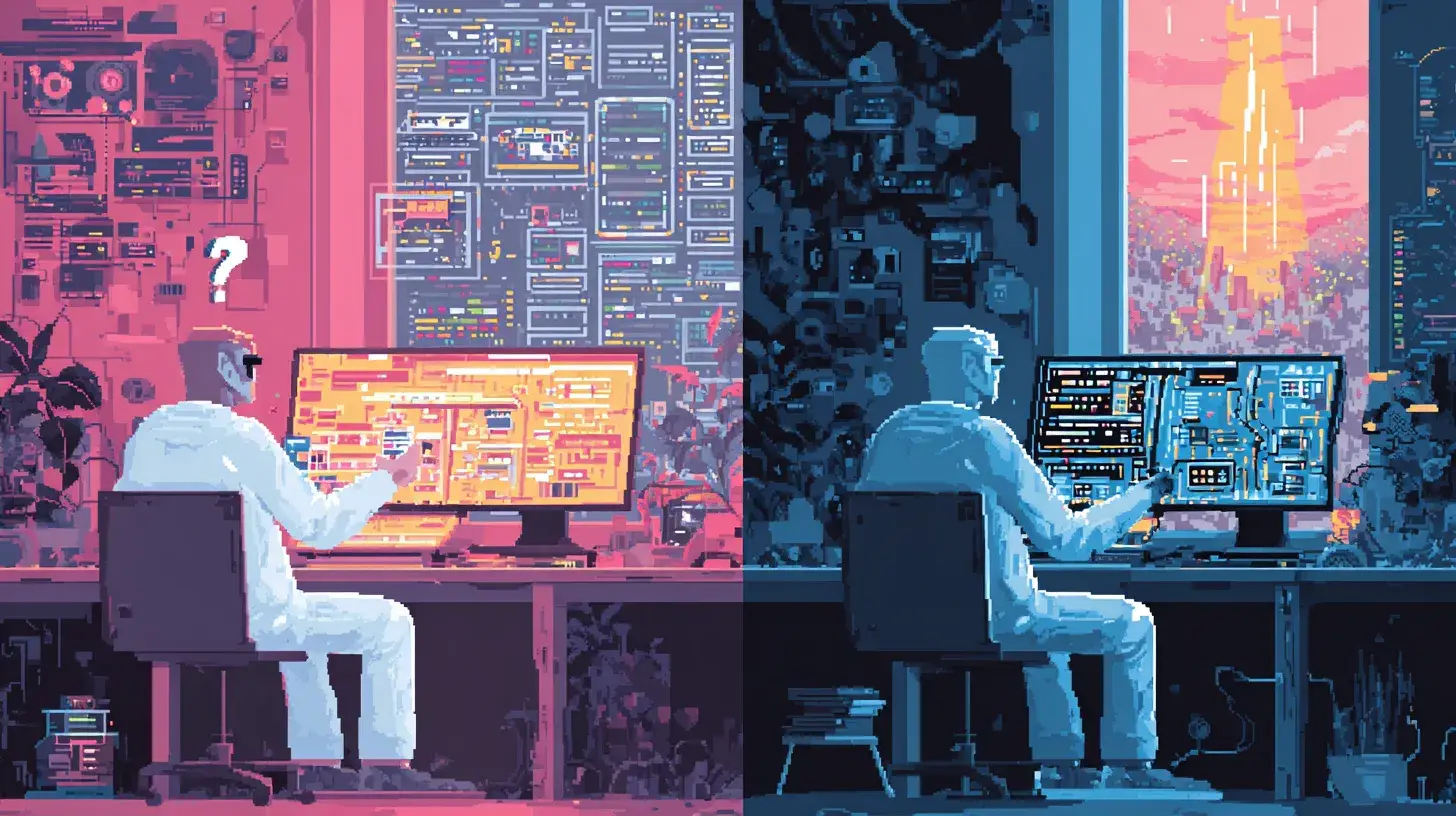
Traditional design workflow: mockups in Figma, handoff to engineering, implement from specs. Every step is a translation. Every translation loses fidelity.
AI coding assistants helped with implementation but not design. You still needed to describe what you wanted in words, or provide reference images from elsewhere. The “what should this look like” question remained separate from the “how do I build this” question.
The Solution
A /nano-banana slash command that spawns Gemini 3 Pro’s image generation from Claude Code. Describe what you want, get a visual mockup, iterate, then implement directly.
State-of-the-art image generation that understands UI patterns, follows design system constraints, and generates production-quality mockups. This builds on my hybrid Gemini/Claude workflow, but for image generation instead of visual analysis. Previously I’d spawn Gemini for UI implementation too, but Opus 4.5 in Claude Code handles visual analysis just fine now. If you’d rather Gemini implement the UI, just spawn /gemini with the mockup.
The workflow I used to redesign a job research app:
- Explored the codebase (current pages, components, data flow)
- Asked clarifying questions (goal, style preference, focus areas)
- Generated initial mockups with
/nano-banana - “Too basic”: regenerated with more distinctive direction
- Implemented the entire design system based on the mockups
All in one session. No context switching. No design handoff. Another example of the SDLC collapsing and product engineering in action.
What I Built
Started with a basic MVP. Three pages: landing, dashboard, research results. The first mockup was safe: dark mode, cards, typical SaaS aesthetic.
I pushed back: “too basic, come up with something more distinctive.”
So I asked for something premium. The slash command crafted the prompt:
Premium glassmorphism dashboard with futuristic aesthetic.
Deep space gradient background with purple/cyan wave effects.
Glassmorphism frosted cards with subtle blur.
Neon accents: Cyan #06b6d4, Violet #8b5cf6.
Glowing borders on interactive elements.
The result was genuinely distinctive. Floating cards, animated orbs, gradient text, glow effects. Not something I would have designed myself.
Then I implemented it: AnimatedBackground, GlassCard, UsageRing, MatchGauge, TechBadge, plus a full CSS utility system for glass, glow, and gradient effects.
“Make it more premium” is vague in words, obvious in pictures.
Key Insights
-
Mockups as communication, not documentation: The generated image isn’t a pixel-perfect spec. It’s a visual conversation about intent. When I said “too basic,” seeing a glassmorphism mockup communicated more than words could.
-
Iterate before implementing: I generated two rounds of mockups before writing any code. Get alignment on the visual direction first.
-
Implementation follows mockup language: The mockup established vocabulary: “glass cards,” “glow effects,” “gradient text.” I used the same terms in component and class names. The mockup became the shared language between design intent and code.
-
Context stays hot: Because everything happened in one Claude Code session, the context stayed loaded. When implementing the Research Results page, Claude already knew the design system, data model, and user preferences. No handoff document needed.
The Slash Command
The /nano-banana command gathers project context, builds a comprehensive design prompt, and executes Gemini’s image generation:
~/.claude/bin/nano-banana \
  -p "UI/UX design prompt here..." \
  -a 16:9 \
  -r 2K \
--openUse 16:9 for web dashboards, 9:16 for mobile, 3:4 for tablets. The aspect ratio sets implicit constraints on layout decisions.
The Full Flow
User: "Design a UX for this app"
Claude: Explores codebase, asks clarifying questions
User: "Full redesign, dark mode, all pages"
Claude: Plans 3 UX approaches
User: "Card-based with keyboard shortcuts"
Claude: /nano-banana → generates mockup
User: "Too basic"
Claude: /nano-banana → generates premium glassmorphism mockup
User: "Love it, proceed"
Claude: Implements design system (CSS, components, pages)
Total time: ~15 minutes from “design a UX” to working implementation.
What It Doesn’t Solve
- Pixel-perfect fidelity: The mockup is a direction, not a spec. Fine details need iteration during implementation.
- Design system coherence: You still need to make decisions about spacing scales, typography systems, and component APIs.
- User testing: AI-generated designs look good but haven’t been validated with real users.
Try It
Two files to set up:
1. The slash command (~/.claude/commands/nano-banana.md):
---
allowed-tools:
  - Bash(nano-banana:*)
  - Bash(~/.claude/bin/nano-banana:*)
  - Bash(pngpaste:*)
  - Bash(rm /tmp/nano-banana-*:*)
  - Bash(open:*)
  - Glob
  - Grep
description: Generate UI/UX designs using Gemini 3 Pro Image
---

Generate UI/UX mockups using Gemini 3 Pro Image. Gathers context
including style guides and existing designs, then generates an image.

## Steps:

1. **Capture visual input (if mentioned):**
   - If user mentions screenshot or clipboard:
     ```bash
     TIMESTAMP=$(date +%s) && pngpaste /tmp/nano-banana-input-${TIMESTAMP}.png
     ```

2. **Gather project context:**
   - Search for style guides, design tokens, brand assets
   - Look for color palettes, existing UI, component libraries

3. **Build comprehensive design prompt:**
   - Design goal, style context, component requirements
   - Technical constraints (resolution, aspect ratio, platform)
   - Reference notes from gathered context

4. **Execute generation:**
   ```bash
   ~/.claude/bin/nano-banana \
     -p "DESIGN GOAL: [request]
     STYLE: [colors, fonts, theme]
     COMPONENTS: [UI elements]
     CONSTRAINTS: [platform, resolution]" \
     -a 16:9 -r 2K --open
   ```

USER REQUEST: $*
2. The CLI script (~/.claude/bin/nano-banana):
#!/bin/bash
# Gemini 3 Pro Image API wrapper
set -e

MODEL="gemini-3-pro-image-preview"
OUTPUT_DIR="/tmp"
ASPECT_RATIO="1:1"
RESOLUTION="2K"
OPEN_IMAGE=false
IMAGES=()
PROMPT=""

while [[ $# -gt 0 ]]; do
    case $1 in
        -p|--prompt) PROMPT="$2"; shift 2 ;;
        -i|--image) IMAGES+=("$2"); shift 2 ;;
        -a|--aspect-ratio) ASPECT_RATIO="$2"; shift 2 ;;
        -r|--resolution) RESOLUTION="$2"; shift 2 ;;
        --open) OPEN_IMAGE=true; shift ;;
        *) shift ;;
    esac
done

[[ -z "$PROMPT" ]] && { echo "Error: -p required" >&2; exit 1; }
[[ -z "$GEMINI_API_KEY" ]] && { echo "Error: GEMINI_API_KEY not set" >&2; exit 1; }

OUTPUT_FILE="${OUTPUT_DIR}/nano-banana-$(date +%s).png"

# Build parts array (images + text)
build_parts() {
    local parts="["; local first=true
    for img in "${IMAGES[@]}"; do
        [[ ! -f "$img" ]] && continue
        local mime="image/png"
        [[ "$img" == *.jpg || "$img" == *.jpeg ]] && mime="image/jpeg"
        local b64=$(base64 -i "$img" | tr -d '\n')
        [[ "$first" != true ]] && parts+=","
        first=false
        parts+="{\"inline_data\":{\"mime_type\":\"$mime\",\"data\":\"$b64\"}}"
    done
    [[ "$first" != true ]] && parts+=","
    parts+="{\"text\":$(echo "$PROMPT" | jq -Rs '.')}]"
    echo "$parts"
}

REQUEST=$(cat << EOF
{"contents":[{"parts":$(build_parts)}],
 "generationConfig":{"responseModalities":["TEXT","IMAGE"],
 "imageConfig":{"aspectRatio":"$ASPECT_RATIO","imageSize":"$RESOLUTION"}}}
EOF
)

RESPONSE=$(curl -s --request POST \
  --url "https://generativelanguage.googleapis.com/v1beta/models/${MODEL}:generateContent" \
  --header "Content-Type: application/json" \
  --header "x-goog-api-key: ${GEMINI_API_KEY}" \
  --data "$REQUEST")

IMAGE_DATA=$(echo "$RESPONSE" | jq -r '.candidates[0].content.parts[] | select(.inlineData) | .inlineData.data' | head -1)
[[ -z "$IMAGE_DATA" || "$IMAGE_DATA" == "null" ]] && { echo "No image in response" >&2; exit 1; }

echo "$IMAGE_DATA" | base64 -d > "$OUTPUT_FILE"
echo "$OUTPUT_FILE"
[[ "$OPEN_IMAGE" == true ]] && open "$OUTPUT_FILE"
Make it executable: chmod +x ~/.claude/bin/nano-banana
Requirements:
GEMINI_API_KEYenvironment variablepngpastefor clipboard support (brew install pngpaste)jqfor JSON parsing
The mockup is cheap. Generation takes 10 seconds. If it’s wrong, regenerate. When it’s right, implement immediately.
Design and implementation, same session, same context. No handoff required.
Related Posts