If you’ve used AI coding assistants to build frontend interfaces, you know the look: Inter font, purple gradients, rounded corners, three boxes with icons in a grid. It’s so recognizable there’s merch: “Remember Only You Can Prevent AI Slop.”
The problem is distributional convergence. LLMs gravitate toward the median of every Tailwind tutorial scraped from GitHub between 2019 and 2024. And that median is purple. (Yes, I’m aware this blog uses pink accents. I contain multitudes.)
Claude Code’s plugin system lets you inject specialized prompts into your workflow. The frontend-design skill was the first official skill, and it tackles the AI aesthetic problem head-on. Four months later, it has 277,000+ installs and the ecosystem around it tells a bigger story.
How Skills Work
Skills are context-aware prompts that Claude loads on-demand. Unlike slash commands (which you invoke explicitly), skills activate automatically when Claude recognizes a matching situation. They don’t bloat your context window: they only load when relevant.
The frontend-design skill is roughly 400 tokens of guidance. It pushes Claude to commit to a cohesive aesthetic before writing code: distinctive typography over safe defaults, dominant colors with sharp accents over timid palettes, atmospheric depth over flat backgrounds, and asymmetric composition over predictable grids.
It explicitly calls out what to avoid: Inter/Roboto/Arial, purple gradients on white, predictable layouts.
What It Actually Changes
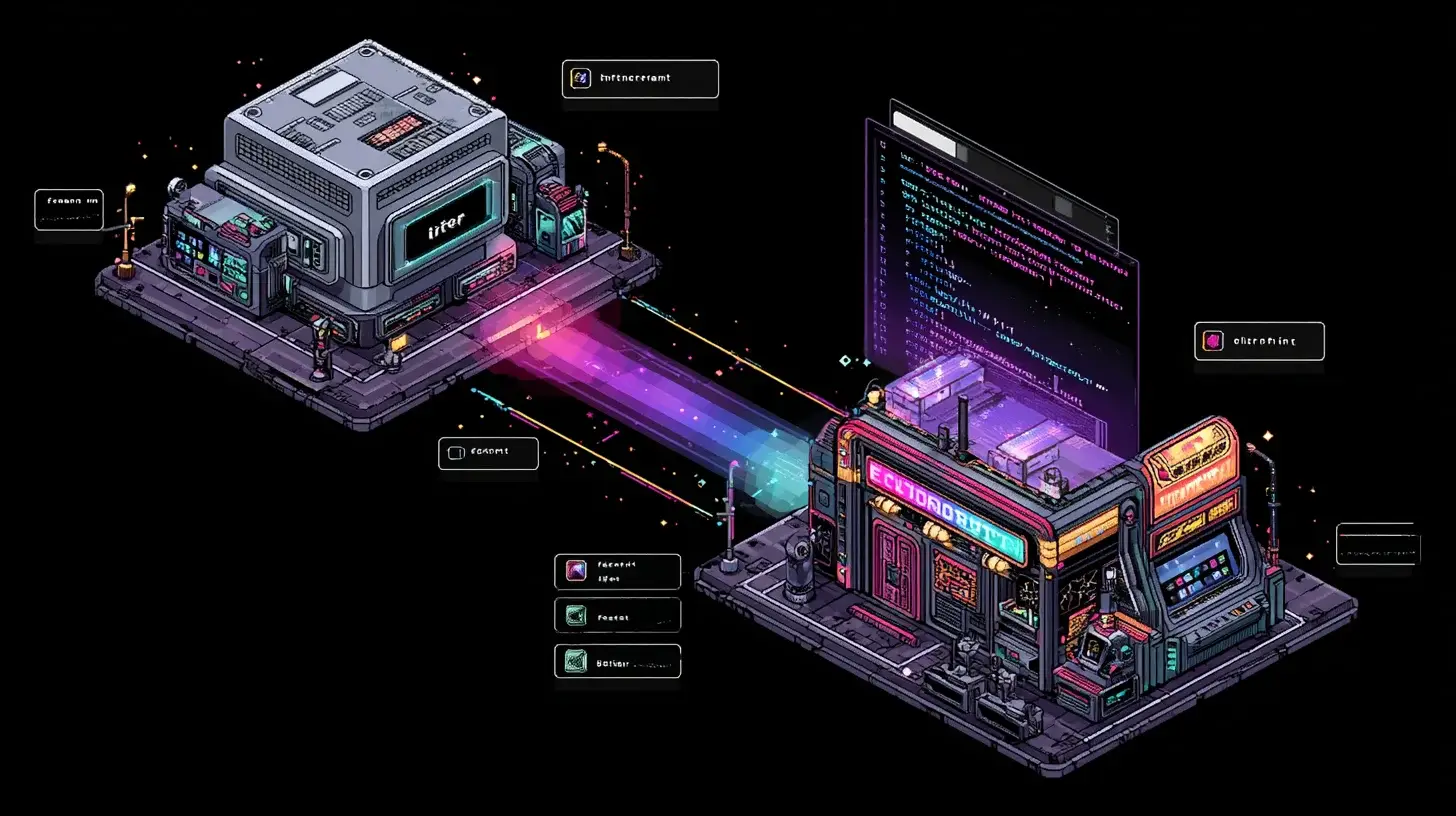
I tested it by building a retro arcade-themed pixel art store. Without the skill, Claude defaults to safe choices. With it:
- Typography: Press Start 2P and VT323 instead of Inter or system fonts
- Color palette: Neon pink (#ff2d95), electric cyan (#00fff7), acid green (#39ff14) on dark purple
- Effects: CRT scanlines, screen flicker animations, neon glow box-shadows
- UI metaphors: “INSERT COIN” buttons, “CONTINUE?” cart screens, high-score style checkout
The skill prompted Claude to commit to an aesthetic direction rather than hedging with generic components. Five pages, all built with Astro, nanostores for cart state, and CSS-only effects. No heavy dependencies. It looked like something, not like everything.
Use Shift+Tab to enter plan mode before asking Claude to build UI. This gives you a chance to review the design direction before code gets written.
What It Doesn’t Solve
- Still needs guidance. Vague prompts still get vague results. “Make it look good” won’t suddenly produce distinctive UI.
- Pushes bold. If you want subtle or corporate aesthetics, you’ll need to steer it. The skill’s defaults lean maximalist.
- No design system. Each generation is independent. Consistent multi-page apps still require explicit constraints from you.
— Anthropic, plugin documentationSkills are prompts and contextual resources that activate on demand, providing specialized guidance for specific task types without incurring permanent context overhead.
The Bigger Picture: Plugins as App Store
The frontend-design skill was the opening move in something larger. The plugin system now supports skills, custom slash commands, specialized agents, hooks, and MCP server integrations, all bundled into installable packages shared via Git repositories.
What’s happened since launch:
- Community explosion. Directories like
claude-plugins.devandclaudemarketplaces.comcatalogue thousands of third-party skills. Anyone can host a marketplace from a Git repo with amarketplace.jsonfile. - Claude Marketplace launched March 7, 2026. Enterprise offering with GitLab, Harvey, Lovable, Replit, Rogo, and Snowflake as launch partners. Enterprises apply existing Anthropic spend toward partner-built tools.
- Enterprise plugins. Companies are building department-specific plugins for HR, investment banking, legal review. Anthropic envisions organizations running “dozens, hundreds, or even thousands” of internal plugins.
- LSP integration. Plugins can now tap into Language Server Protocol for code intelligence: go-to-definition, linting, auto-completion across Python, Go, Rust, and more.
Plugins are free and open-source. The cost is your Claude Code subscription. This means the ecosystem grows on contribution, not commerce. It’s closer to VS Code extensions than the iOS App Store, but the network effects are the same.
Why This Matters
The AI coding tool market has been converging on the same feature set: autocomplete, chat, inline edits. Plugins break that convergence by letting the community specialize the tool for specific domains, aesthetics, workflows, and industries.
A frontend-design skill that 277,000 developers installed is interesting. An enterprise plugin system where companies build hundreds of internal skills to encode their specific processes is a platform shift. The question isn’t whether AI coding tools will have app stores. It’s whether Claude Code’s decentralized marketplace model, where anyone hosts a registry from a Git repo, beats the centralized alternatives.
Four months in, the decentralized approach is winning on volume. Whether it wins on quality and trust is the next chapter.
Related Posts