Vibe coding ships fast. It just doesn’t ship well.
Not just the visuals. The code underneath is equally bad. Inline Tailwind classes copy-pasted across files, no shared tokens, components that look similar but share zero implementation. You won’t get a proper component library. You’ll get eight shades of blue, three button sizes, and spacing chosen by dice roll.
This isn’t a skill issue. It’s a fundamental limitation of how LLMs work.
— Grady Booch, Feb 2026Old problem: technical debt. New problem: prompt debt. Vibe coding often introduces dead code that hangs around like some evolutionary discarded organ.
The Visual Judgment Gap
LLMs are text-native. They understand code syntax, semantic relationships, and can reason about logic brilliantly. But visual design requires something different: spatial reasoning, color harmony, typographic hierarchy, and that ineffable sense of “this feels right.”
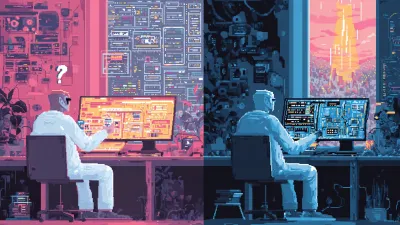
When you ask an agent to “make a dashboard,” it generates plausible HTML and CSS. But it can’t see what it made. It doesn’t know that the padding looks cramped, that the accent color clashes with the header, or that the button placement feels awkward. It’s working blind.
— NN/g Research, May 2025AI doesn’t consider edge cases, consistency with the broader system, or whether the design actually serves user needs. Only a human designer can balance the design, business, and user needs that go into a great visual design.
Design systems exist precisely to solve consistency at scale. But they require visual judgment to create and maintain. You can’t prompt your way to a coherent design language.
The Pattern That Works
I’ve been using Pencil with Claude Code, and it demonstrates a pattern worth understanding: tools over generation.
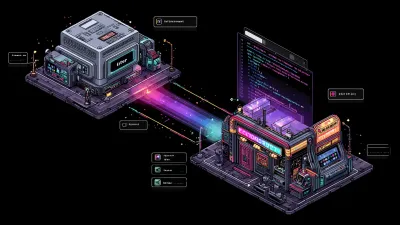
Pencil’s pitch is “design on canvas, land in code.” It’s an infinite design canvas that runs inside your IDE, with design files (.pen) that live in your Git repo. Instead of asking the agent to generate designs from scratch, Pencil gives agents MCP tools to interact with the canvas:
batch_get: Read design components, inspect structurebatch_design: Modify elements programmaticallyget_screenshot: See the current statesnapshot_layout: Analyze positioning
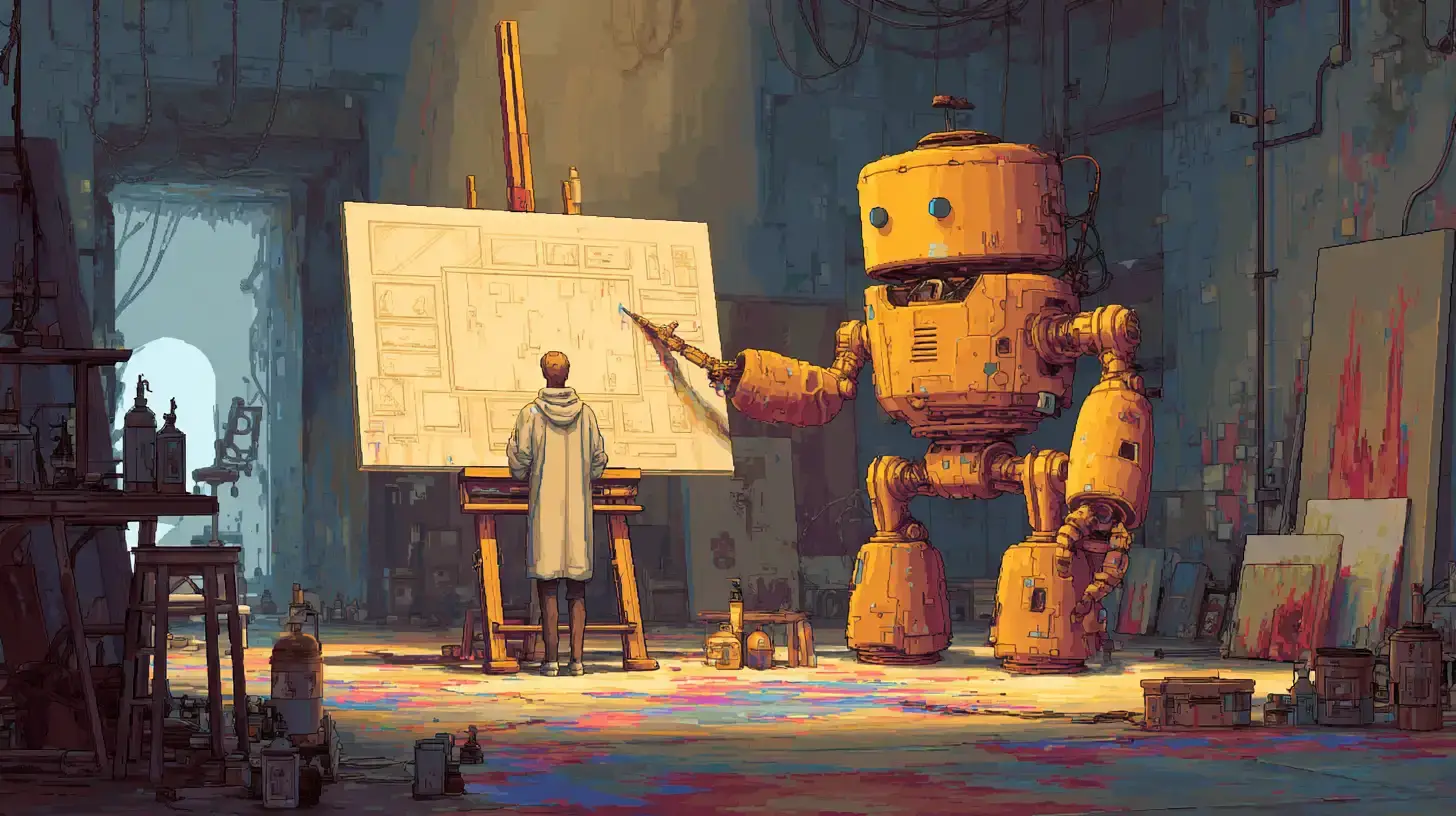
The human does the visual work on the canvas. The agent reads the spec and generates code that matches. As Pencil’s creator Tom Krcha puts it: “Claude Code produces the code that fits your repo code, requirements and rules. You are in charge.”
Agents work better with precise tools than freeform generation. This applies beyond design: structured interfaces beat open-ended prompts.
This isn’t new. It’s the same pattern we see with MCP everywhere: give agents well-defined tools with clear inputs and outputs, and they perform reliably. Ask them to generate unbounded creative work, and quality becomes a coin flip.
What This Solves
Consistency: The design source of truth is visual, maintained by humans who can see it. Agents read from it, never drift from it.
Iteration speed: Sketch on canvas, agent generates code. Already have Figma designs? Cmd+C in Figma, Cmd+V in Pencil: styles and layout preserved, pixel perfect.
Version control: Design decisions tracked in Git. Branch your design experiments. Revert bad ideas. Review changes in PRs.
Context preservation: The agent knows exactly what the component should look like because it can read the design file. No ambiguity, no interpretation.
What This Doesn’t Solve
Pencil doesn’t make agents good at design. It routes around the problem entirely.
You still need human visual judgment to:
- Choose colors that work together
- Establish spacing and typography scales
- Design component variants and states
- Make the hundred small decisions that add up to “good design”
If you don’t have design skills (or access to someone who does), Pencil won’t save you. You’ll just have a well-structured canvas full of mediocre choices.
The tool also requires you to learn a new design environment. If your team already has a Figma workflow with established components, the migration cost is real. Pencil supports Figma copy-paste, but rebuilding a mature design system takes time.
The Broader Lesson
This pattern keeps emerging: agents + tools + human oversight beats agents generating freely.
We saw it with coding: agents work better with linters, type systems, and test suites that constrain their output. We’re seeing it with design: agents work better reading from a visual source of truth than inventing pixels.
The fantasy of “just describe what you want and AI builds it” keeps colliding with reality. What actually works is humans maintaining the creative vision while agents handle the mechanical translation.
Human: visual decisions, creative direction, edge cases. Agent: reading specs, generating code, mechanical consistency. Neither can do the other’s job well.
Design drift is called “the silent killer of design systems” for a reason. Even human teams struggle to maintain consistency across large codebases. Expecting agents to solve this by generating more code is backwards. The answer is better tools, clearer specs, and humans who can actually see what they’re building.
Try It
Download Pencil and it integrates with Claude Code, Cursor, and other agents out of the box. No manual MCP configuration needed.
Vibe coding isn’t going away. But the “just prompt harder” era is ending. The teams shipping quality work are the ones building structured interfaces between human creativity and agent execution.
Design systems are just where this limitation is most visible.
Related Posts